To replace the batteries, first remove the smoke detector from the base by turning it counterclockwise.
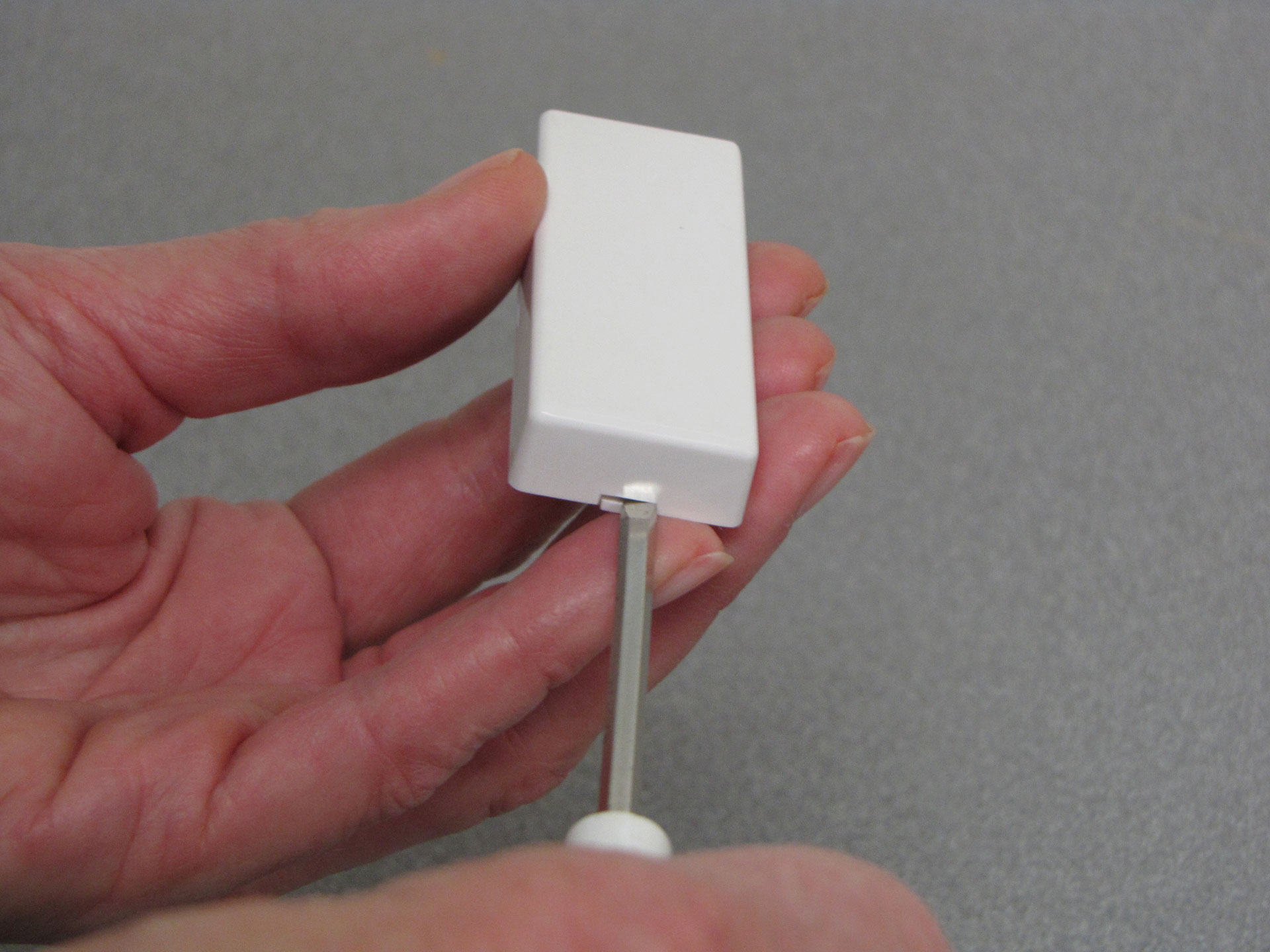
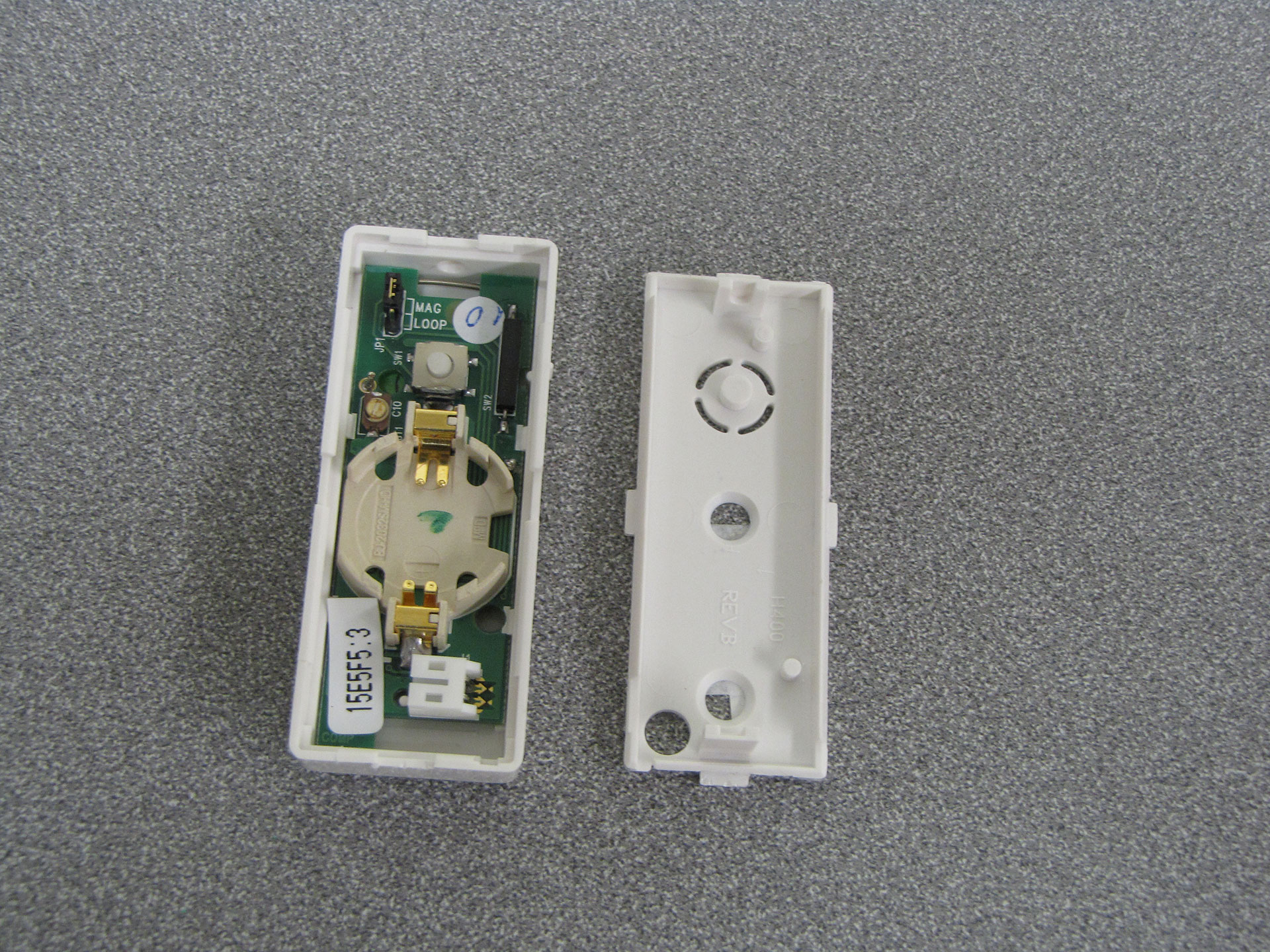
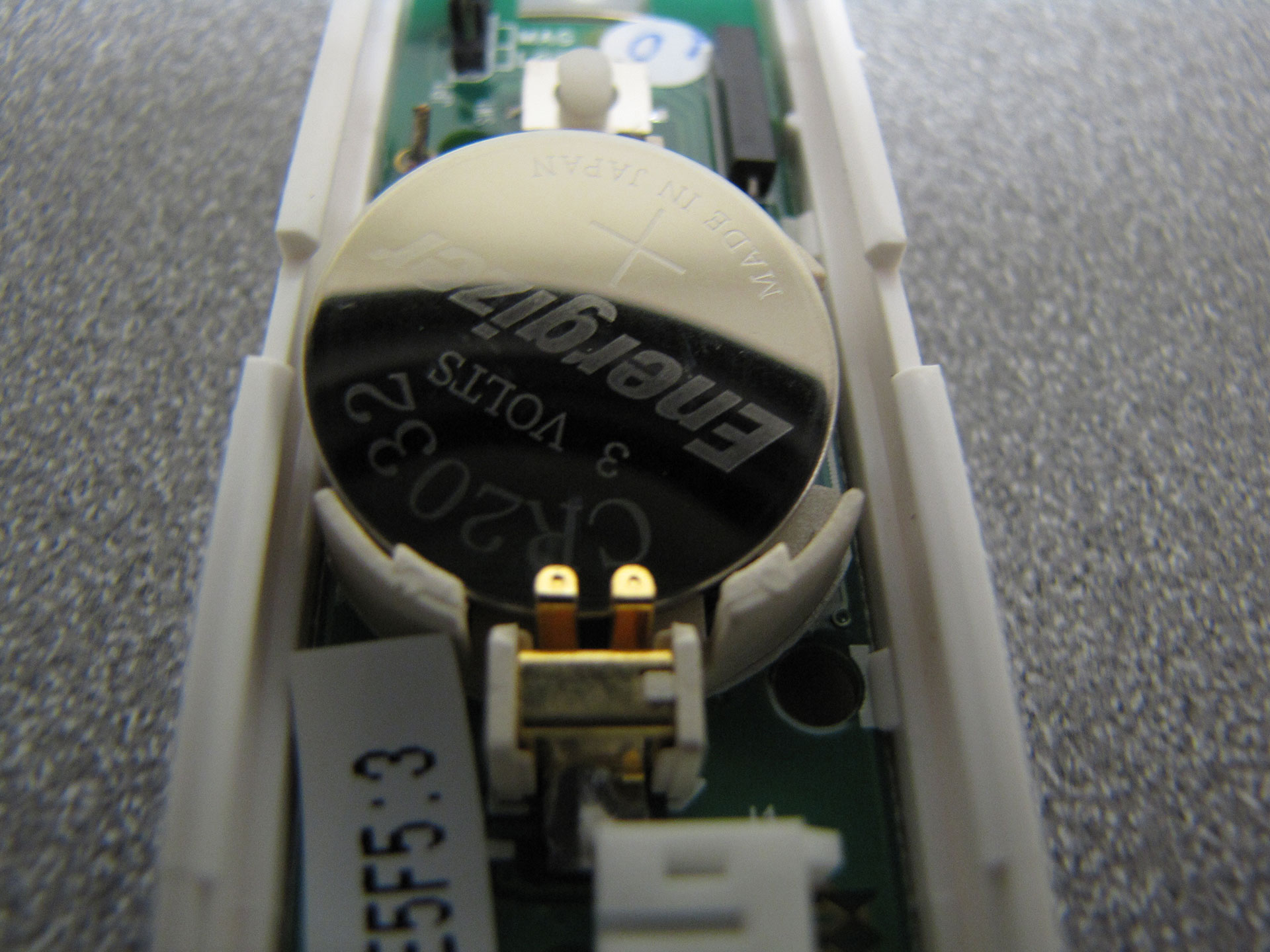
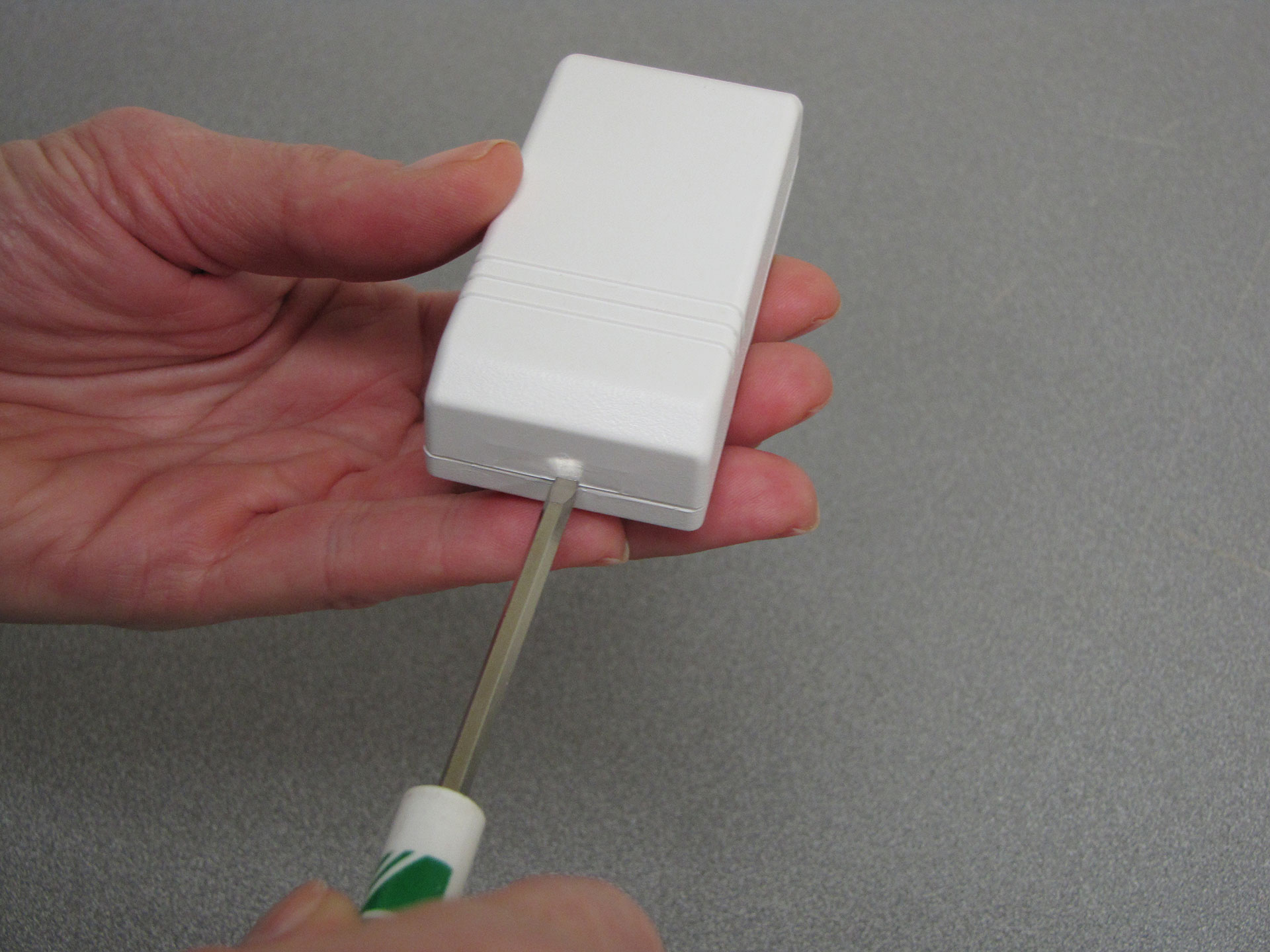
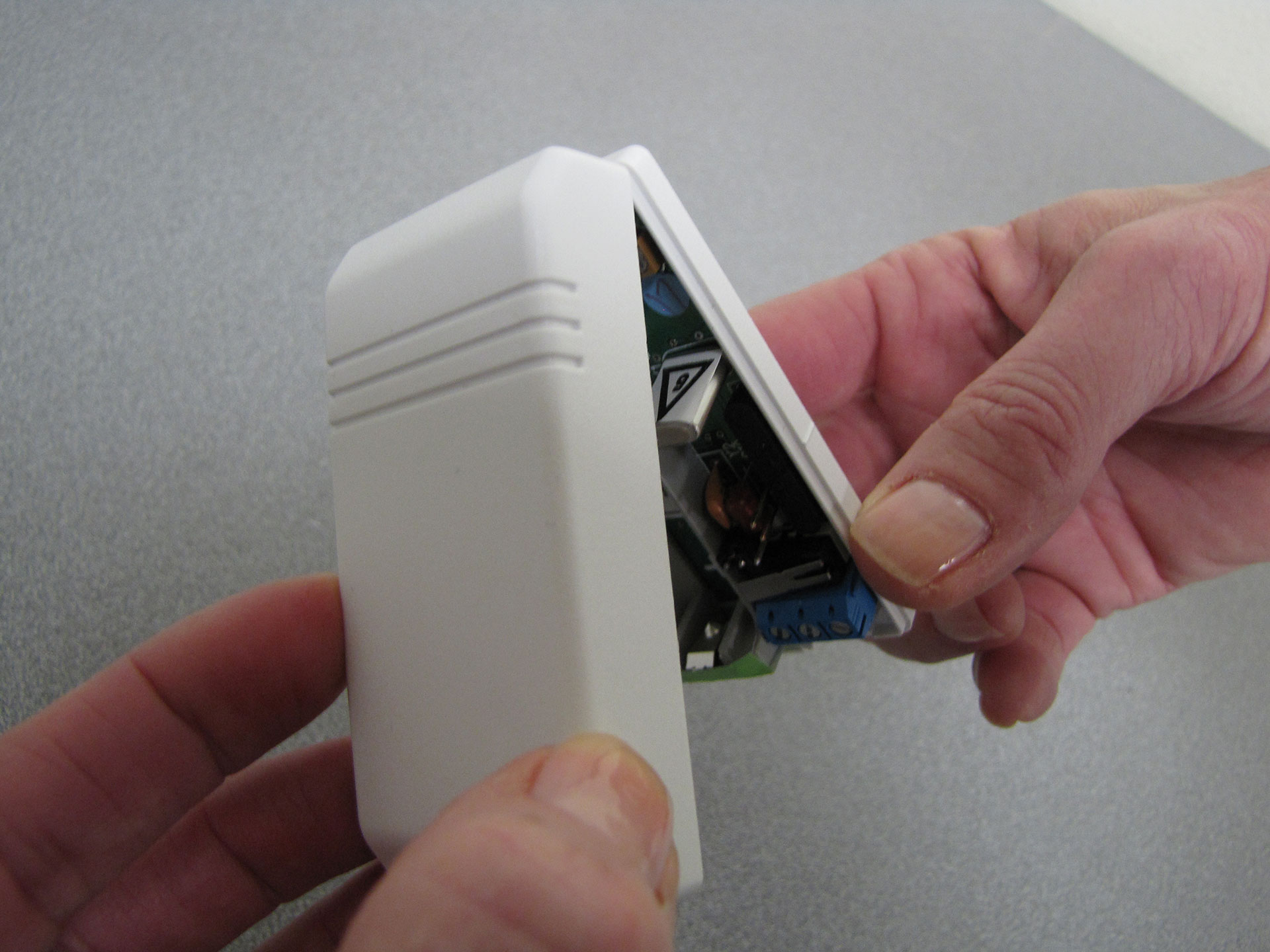
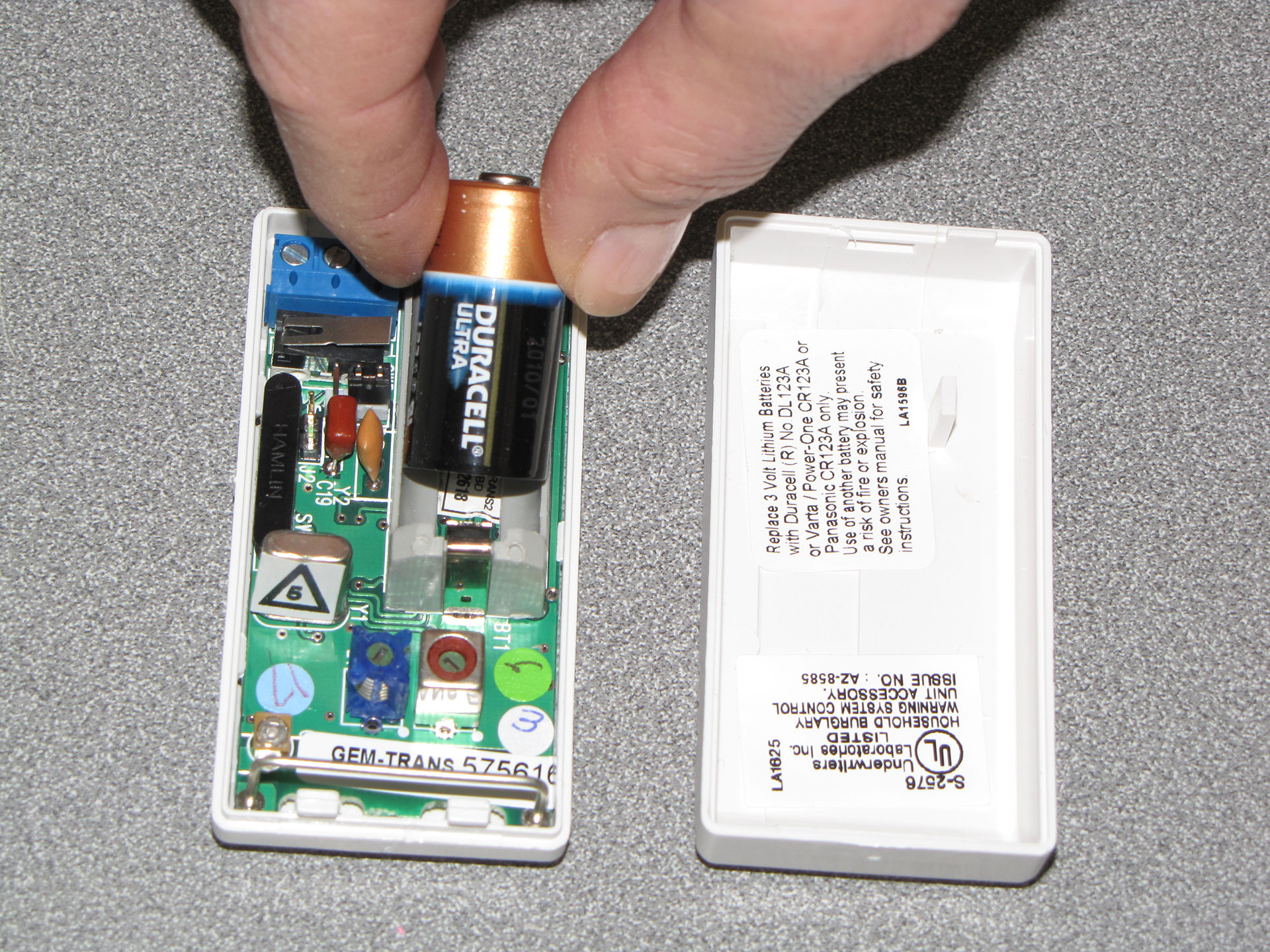
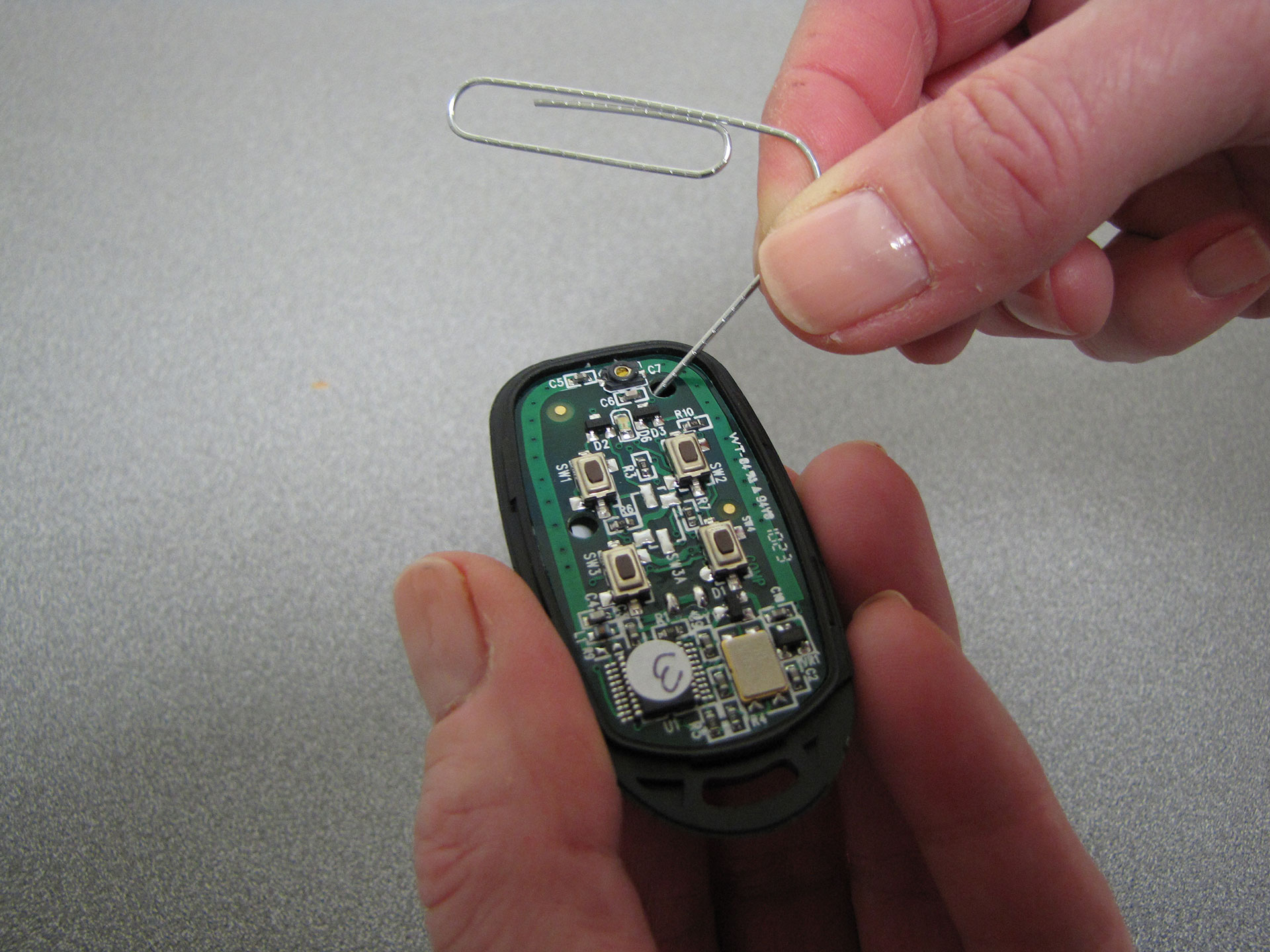
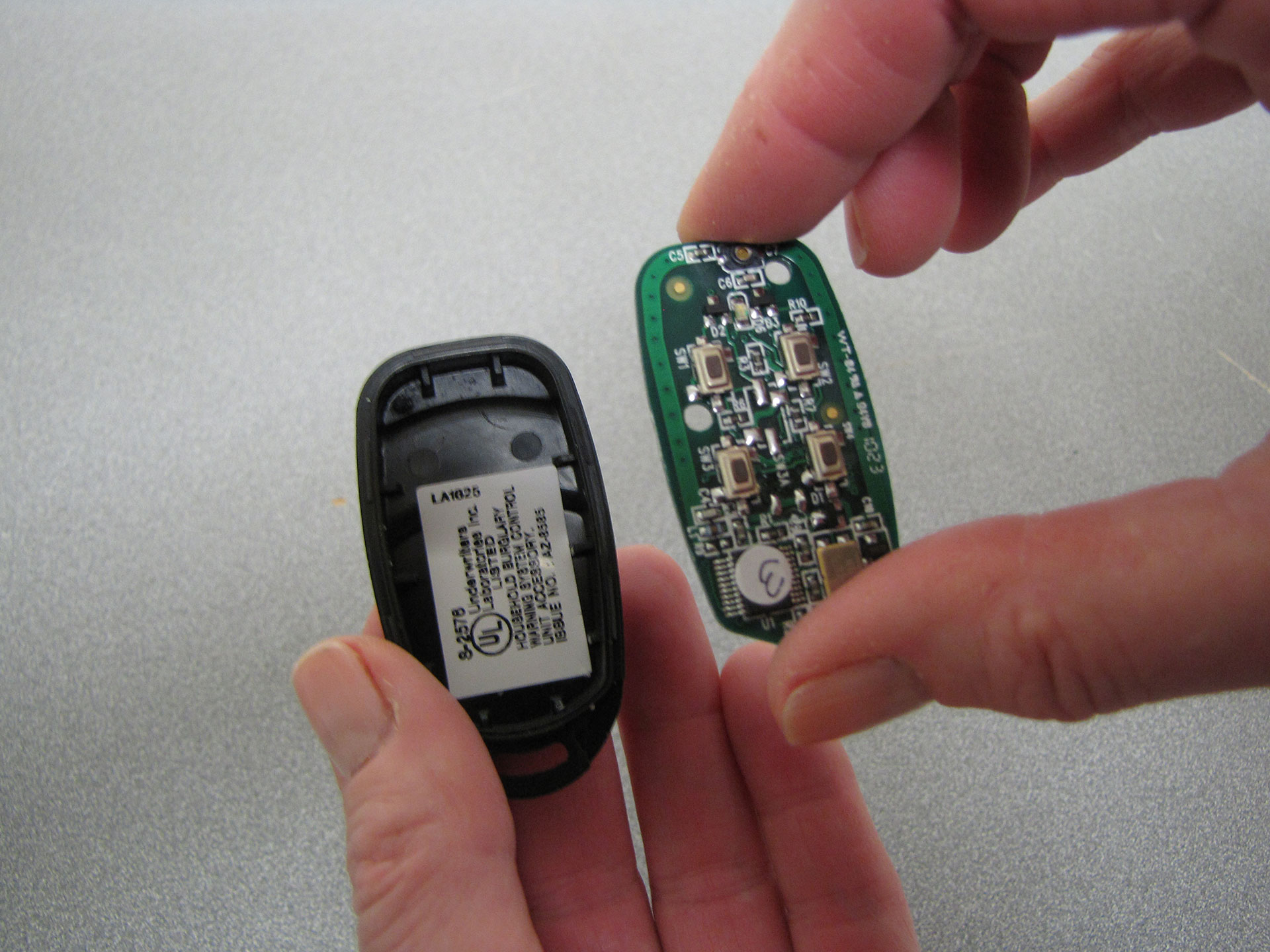
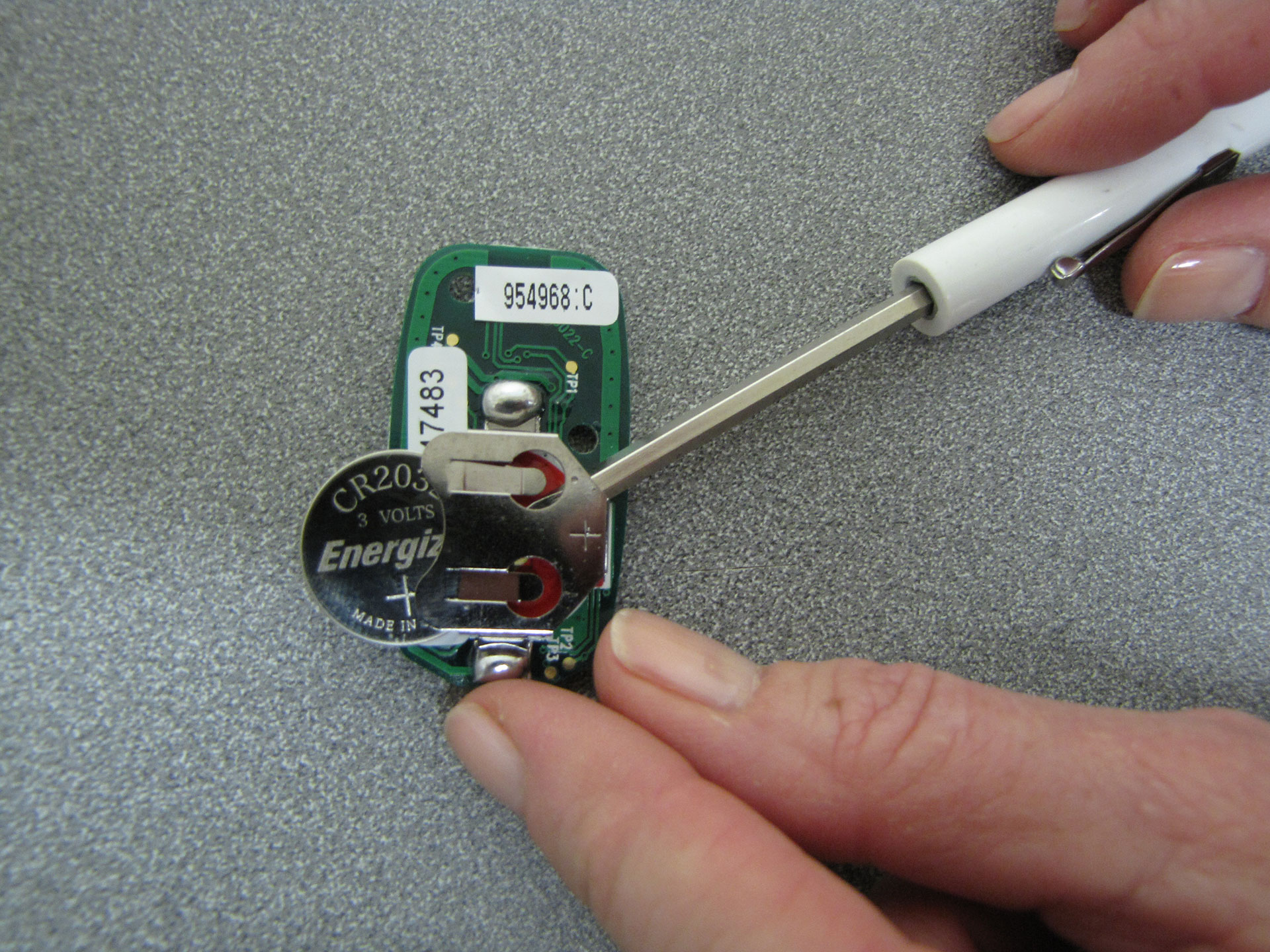
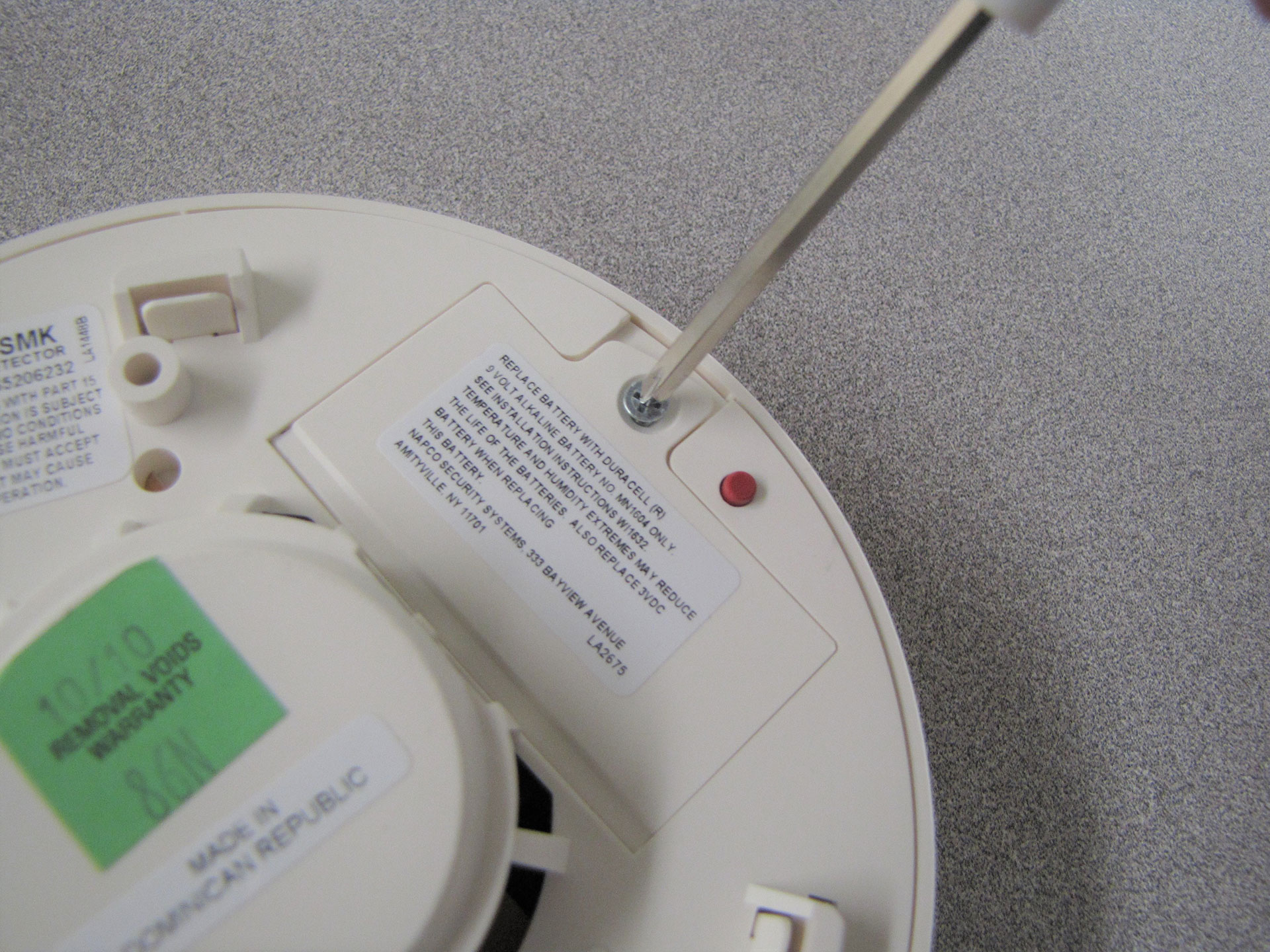
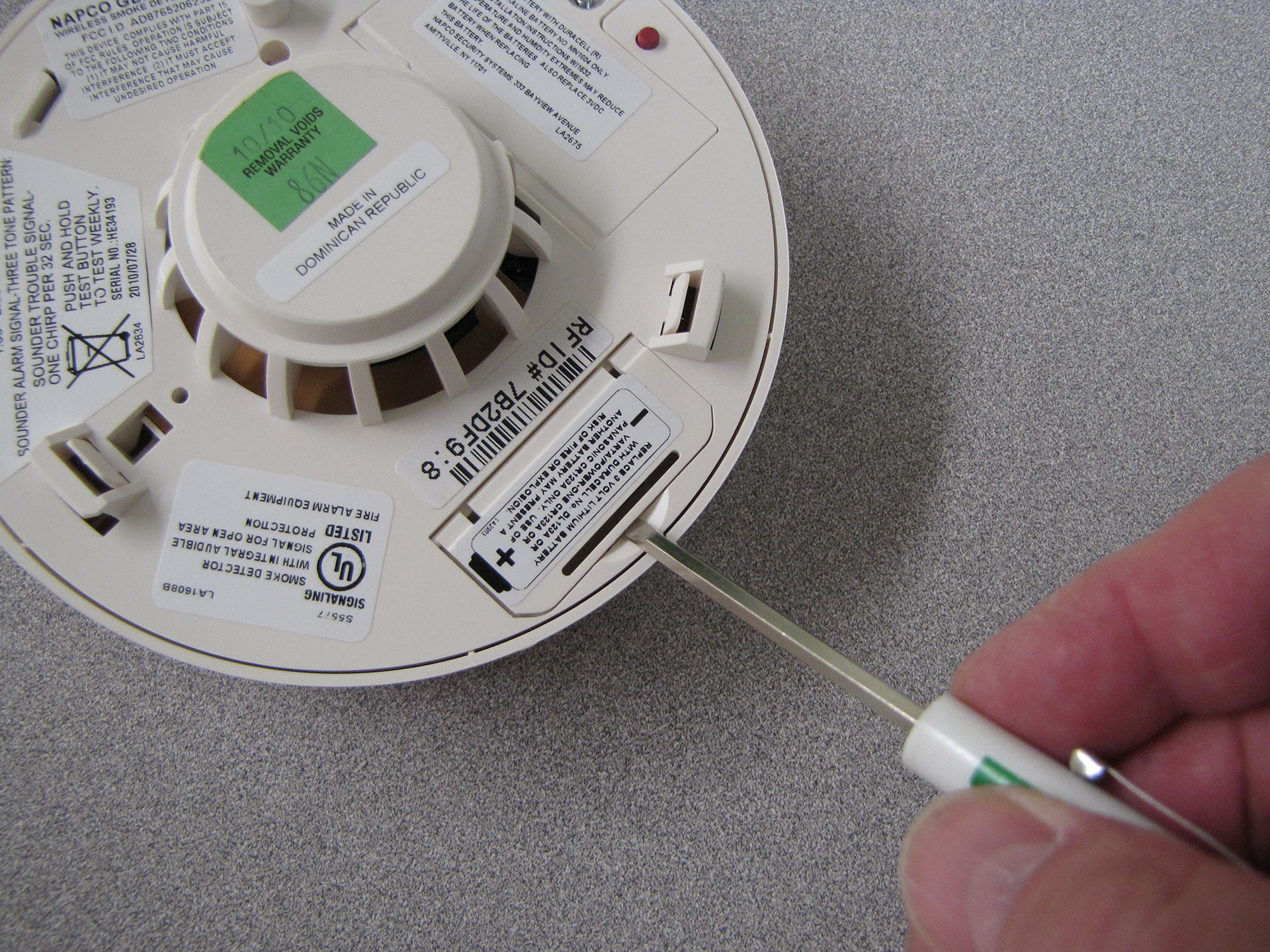
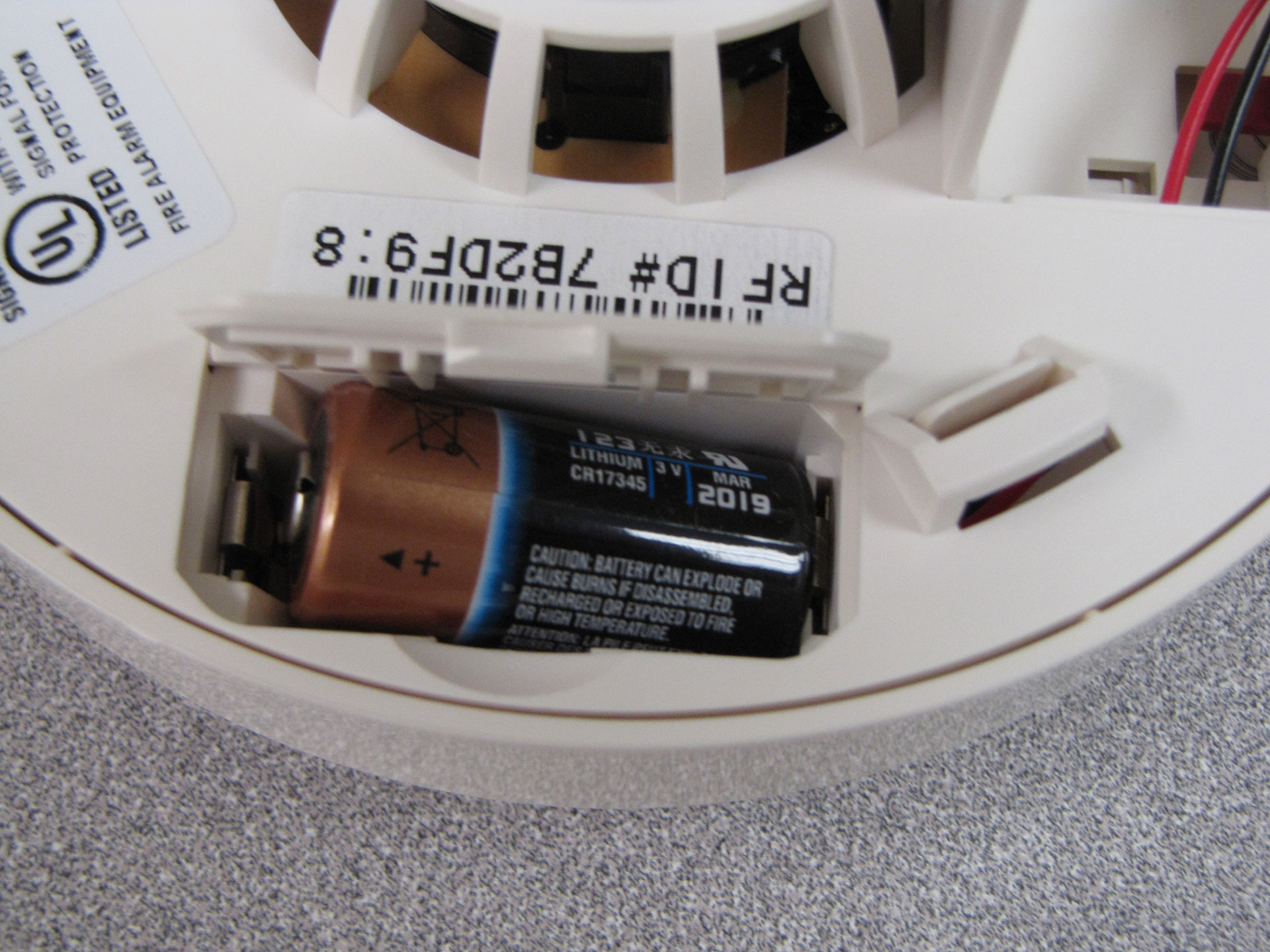
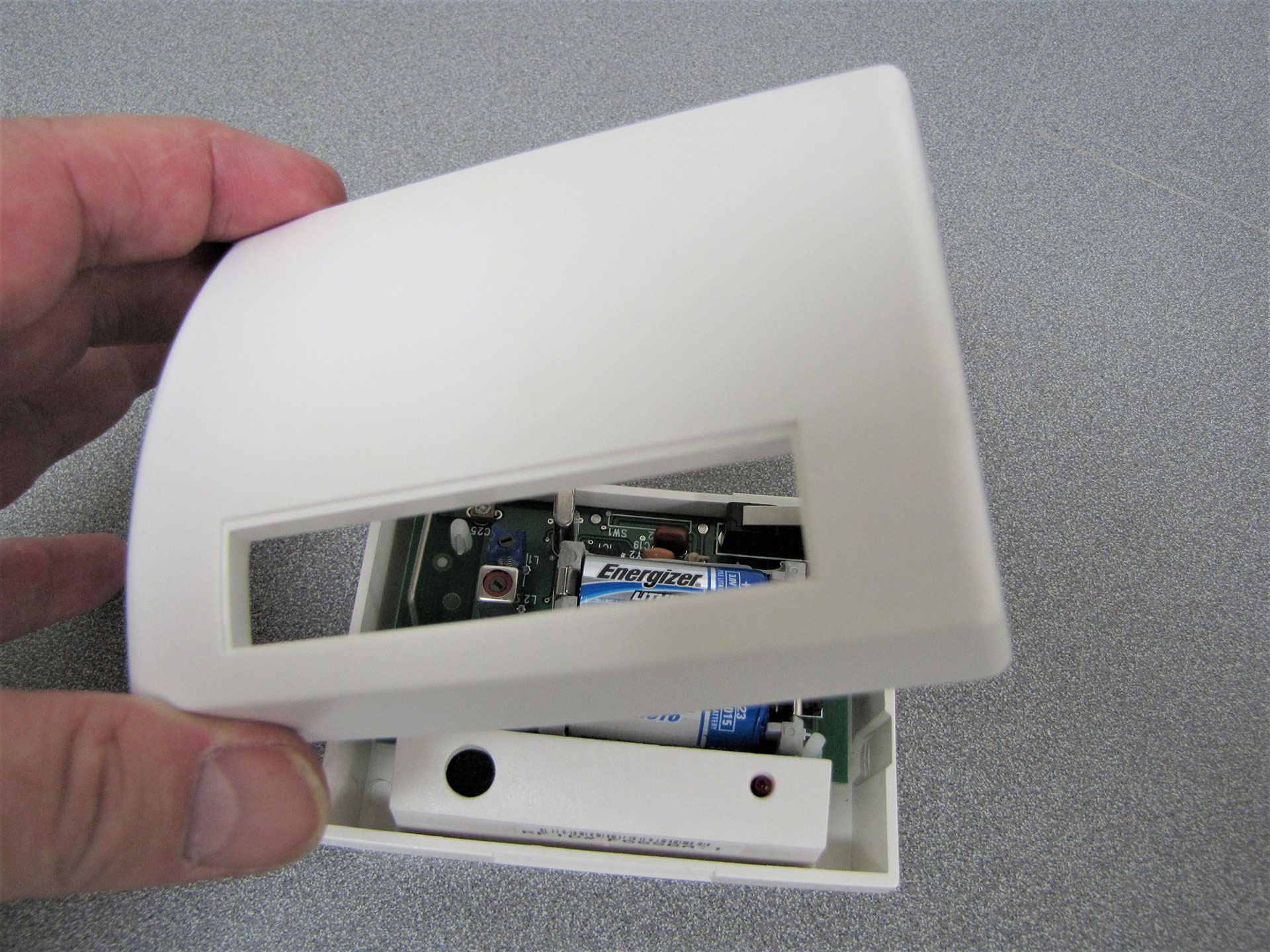
Open the 9-Volt battery cover with a Phillips head screwdriver. See Figure 1 above. Replace with a new 9-Volt Alkaline battery. Next, open the 3-Volt lithium battery cover by prying it with a regular screwdriver. See Figure 2 above. Remove the battery by pulling up on the (+) positive end first. When installing the new 3-Volt lithium battery, MAKE SURE TO INSTALL THE NEGATIVE END FIRST (See Figure 3 above), then push down on the positive end. Replace both covers.
Put the unit back onto the base by turning clockwise.
IMPORTANT: The smoke detector must be triggered in order to complete the process. BE SURE TO CALL US AT 516-747-0233 DURING NORMAL BUSINESS HOURS TO TAKE YOUR ACCOUNT OFF-LINE PRIOR TO TRIGGERING THE SMOKE DETECTOR.
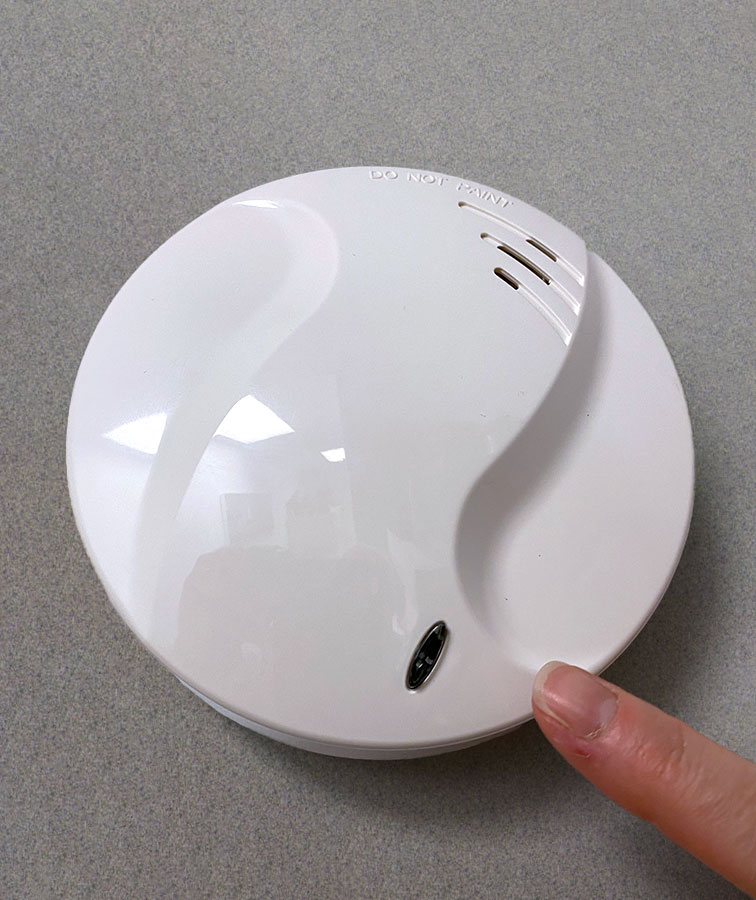
AFTER YOUR SYSTEM IS OFF-LINE, press and hold the oval button on the face of the smoke detector to trigger the alarm. See Figure 4 above. To silence the alarm, enter your code and then press the ENTER key. You must repeat by entering your code and pressing the ENTER key for a second time in order to silence the alarm.
When completed, go the keypad and press the ‘RESET’ button. On the newer version Gemini panels (Version V31G or greater, installed or upgraded after Jan 1, 2021), you must enter your user code and then press ‘RESET’.